EN
EN
What filter matching rule for dust proof cabinet cooling fan operating in cement factories
2026/09/30
Cement cabinets choke on dust. Learn the filter rule for an industrial cabinet cooling fan: G4/F7 media, IP rating, and pre-filter care.

2026/09/23

Modern server rooms concentrate computing power in a shrinking footprint, producing heat faster than older cooling layouts absorb. A high flow axial fan moves a large volume of air at modest static pressure, which suits the open, low-resistance paths on most data center floors. When deployed thoughtfully, such a fan flattens hot and cold spots so every server rack gets a steadier supply of cool air.
A single cabinet today can draw more watts than an entire row did a decade ago as heat density rises. Legacy perimeter cooling assumes slow, even heat gain, but dense racks create localized plumes that shoot upward and recirculate. A high flow axial fan placed to intercept those plumes pulls warm air away before it wraps back into the intake of adjacent equipment. Moving air sideways across the hot zone instead of ceiling returns reduces stratification and keeps the temperature distribution near ASHRAE TC9.9 targets.
Thermal mapping uses sensors and infrared scans to record the actual temperature distribution across racks, tiles, and the space above the raised floor. The data reveals a cold aisle cool at the bottom yet warmer near the top, or a hot aisle that spikes where cable cutouts leak. Those gradients signal poor airflow management rather than insufficient capacity. Mapping turns guesswork into a plan: engineers see where return and supply air stagnate, then size additional high flow axial fan units to fix weak points instead of oversizing.
Containment is the first line of defense, yet small gaps defeat it. An unsealed cable port or a missing blanking panel lets cold aisle air shortcut into the hot aisle, wasting delivered cooling. Airflow management improves when cold aisle and hot aisle boundaries are sealed and supply air is not fighting recirculation. A high flow axial fan supports containment by extracting heat at the source and boosting the pressure differential that keeps streams separated. ANSI/ASHRAE guidance treats containment and airflow as one system, so fixing leaks often beats adding raw tonnage.
The core question in any upgrade is how much air the room needs. CFM (cubic feet per minute) must be matched to the cooling load, not guessed. A simple rule: each kilowatt of heat requires roughly 160 CFM at a 10 °C supply-to-return rise. Measure the heat density per cabinet, sum the racks, and select units whose combined CFM clears the total with margin. Oversizing wastes energy; undersizing leaves hot pockets. A high flow axial fan earns its place when this calculation shows room-level supply is short but ducted pressure is low.
Many data center layouts push cold air through a raised floor plenum and out perforated tiles beneath each server rack. The plenum acts as a low-velocity duct, but pressure decays with distance from the CRAC unit and starves far racks. A high flow axial fan mounted in the plenum or at a tile re-energizes that flow toward the cold aisle. Careful placement avoids blowing into cable trays or creating turbulence that disturbs nearby rack cooling. ISO 14644 airflow-uniformity practices offer useful discipline even when the room is not classified.
Point solutions and room solutions are not rivals. Rack cooling handles the hottest cabinets, while high-volume room airflow prevents heat pooling in aisles and above cabinets. Temperature distribution stays balanced when the two layers cooperate: localized units catch peaks, and the axial fan sweeps residual warmth toward returns. This layered approach follows the principle that airflow management is cheaper than adding compressor capacity.
A colocation provider running a mid-size data center saw one hot aisle run 7 °C above the rest despite a healthy CRAC plant. Thermal mapping showed warm air recirculating over open racks and bleeding into the neighboring cold aisle. The cooling load was adequate, but airflow management had failed at the room level, leaving server rack inlets on that row warmer than design intent.
Engineers sealed blanking panels, repaired a leaking cable port, and added high flow axial fan units at the aisle ceiling to capture rising heat and push it to the return. Within days the hot aisle fell back inside the ASHRAE TC9.9 envelope, and the temperature distribution across the row flattened to within a couple of degrees.
Confirm rated CFM at the actual system resistance, not free-air figures, and verify motor type and protection class. Brushless outer-rotor motors with pure-copper windings and precision ball bearings suit continuous duty, while IP44 or IP54 ratings matter where dust or drips exist. CE and UKCA documentation should travel with the unit, and the fan curve should place the operating point on the efficient region of the airflow versus pressure map.
After installation, log inlet and outlet temperatures against the thermal mapping baseline. Inspect filter media monthly in dusty sites, and check bearing noise or vibration hinting at imbalance. A simple maintenance schedule—cleaning impellers, confirming fasteners, verifying speed control—protects performance after commissioning and keeps the data center within its planned temperature distribution band.
Balanced cooling is not a one-time fix. Re-map the room after any layout change, because moving a server rack shifts the cooling load and can reopen old gradients. Keep airflow management discipline—sealed containment, correct tile opening, and documented high flow axial fan placement—so the temperature distribution stays within the recommended band as the data center grows.
What temperature range does ASHRAE TC9.9 recommend for a data center?
Answer: ASHRAE TC9.9 recommends a recommended envelope of 18–27 °C for the cold aisle inlet of class A1 and A2 equipment, with allowable upper limits extending higher for some classes. Staying inside this band protects component reliability and energy efficiency. Thermal mapping should confirm the actual server rack inlet temperature matches the target, because room-level setpoints often differ from measured rack conditions near the raised floor.
Why does airflow management matter more than adding cooling capacity?
Answer: Airflow management directs existing cold air to where heat forms, so delivered cooling reaches the server rack instead of bypassing it. Poor containment lets supply mix with return air, wasting capacity. Fixing leaks and using high-volume axial units to intercept plumes is typically cheaper than larger compressors. Balanced airflow keeps the cooling load under control and reduces energy spent moving air that never reaches a hot component.
How is CFM matched to the heat density of a room?
Answer: CFM is sized from the total cooling load: roughly 160 CFM per kilowatt at a 10 °C supply-to-return temperature rise. Measure heat density per cabinet, sum the racks, and select units whose combined CFM clears the total with margin. Thermal mapping reveals which aisles need more air. Matching CFM to measured load avoids oversizing turbulence and undersizing hot pockets across the data center floor.
Can a high flow axial fan replace a precision CRAC unit?
Answer: An axial fan supports but does not replace a CRAC unit, because it moves air without removing heat through refrigeration. It rebalances temperature distribution by capturing plumes and improving airflow management toward returns. Pairing it with rack cooling and proper containment extends the useful capacity of existing plant. Treating the axial fan as a complement to cooling, not a substitute, keeps the data center within safe operating limits.
Where should high-volume axial units be positioned to work most effectively?
Answer: Position units to intercept rising warm air at the top of a hot aisle and near the return path, or within the raised floor plenum to re-energize distant tiles. Avoid blowing into cable trays or creating turbulence that disturbs neighboring rack cooling. Correct placement, confirmed by thermal mapping after commissioning, restores even delivery and keeps the temperature distribution balanced as the server room load changes over time.
2026/09/30
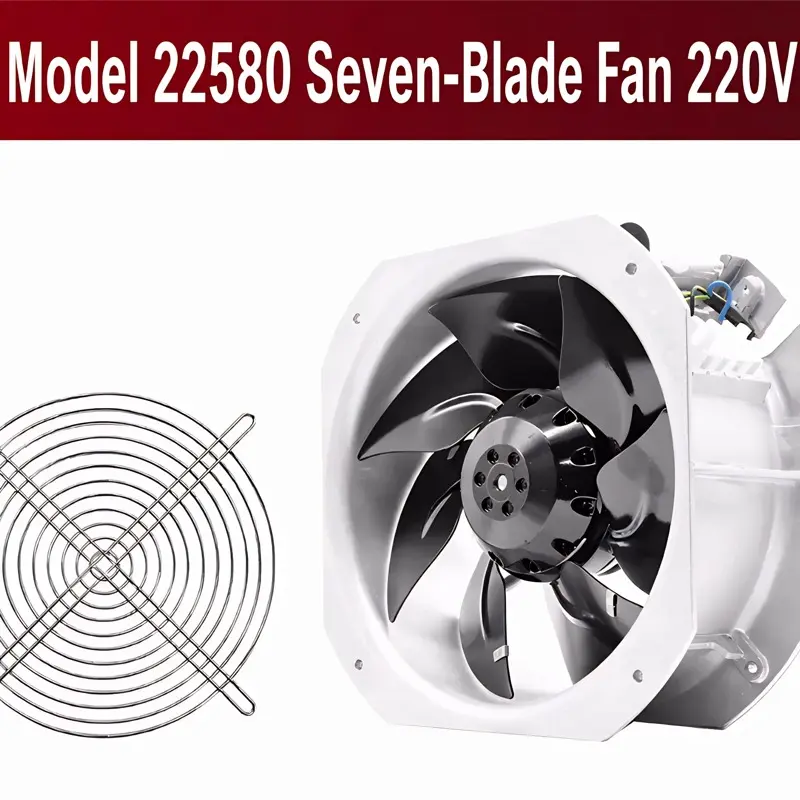
Cement cabinets choke on dust. Learn the filter rule for an industrial cabinet cooling fan: G4/F7 media, IP rating, and pre-filter care.

2026/10/07
Right wall-mount height for an industrial axial exhaust fan: room volume, free clearance, brackets, and recirculation control.

2026/10/08
An ec motor fan links to BMS via Modbus, 0-10V and PWM for demand-based cooling, energy scheduling and automatic sensor-driven speed control.
2026/10/06
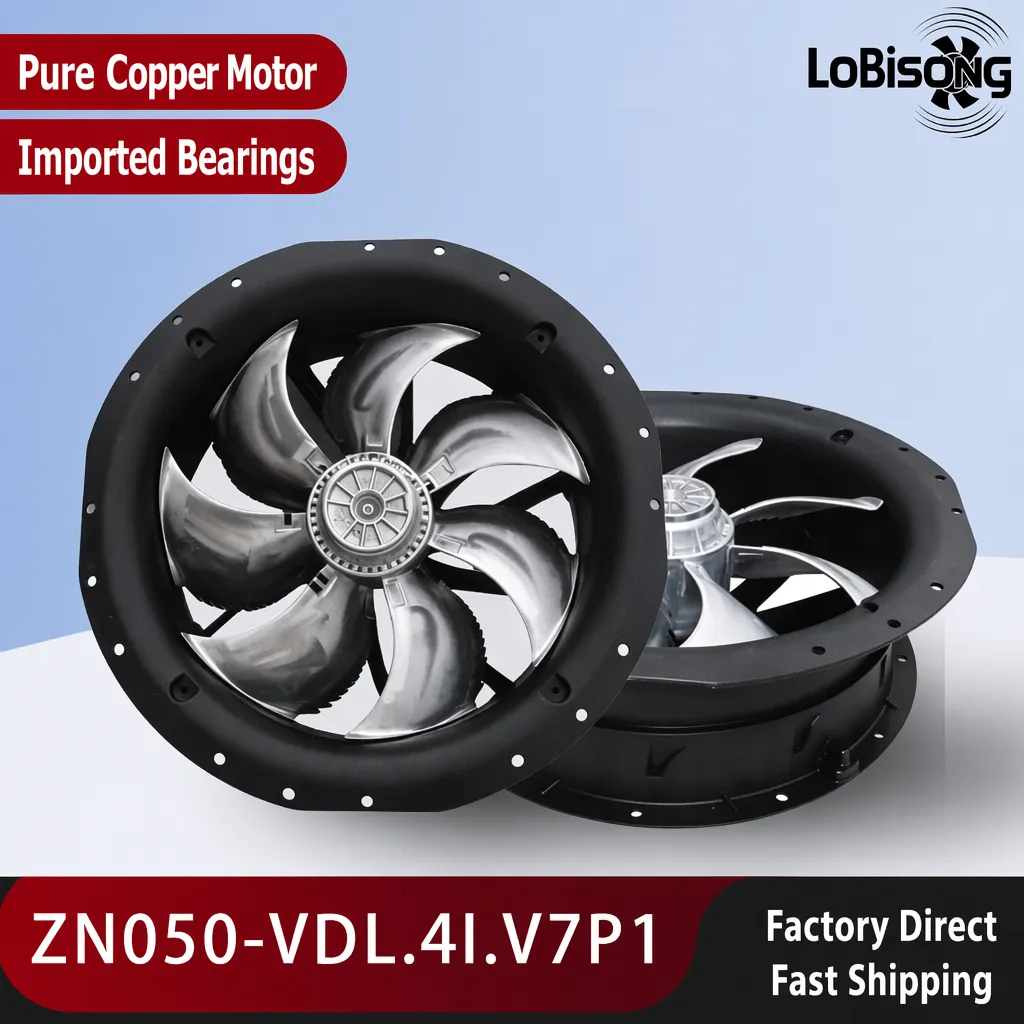
A radial exhaust fan removes grease, fumes, and odors from food-processing workshops with capture velocity and hygienic washdown design.
2026/10/05
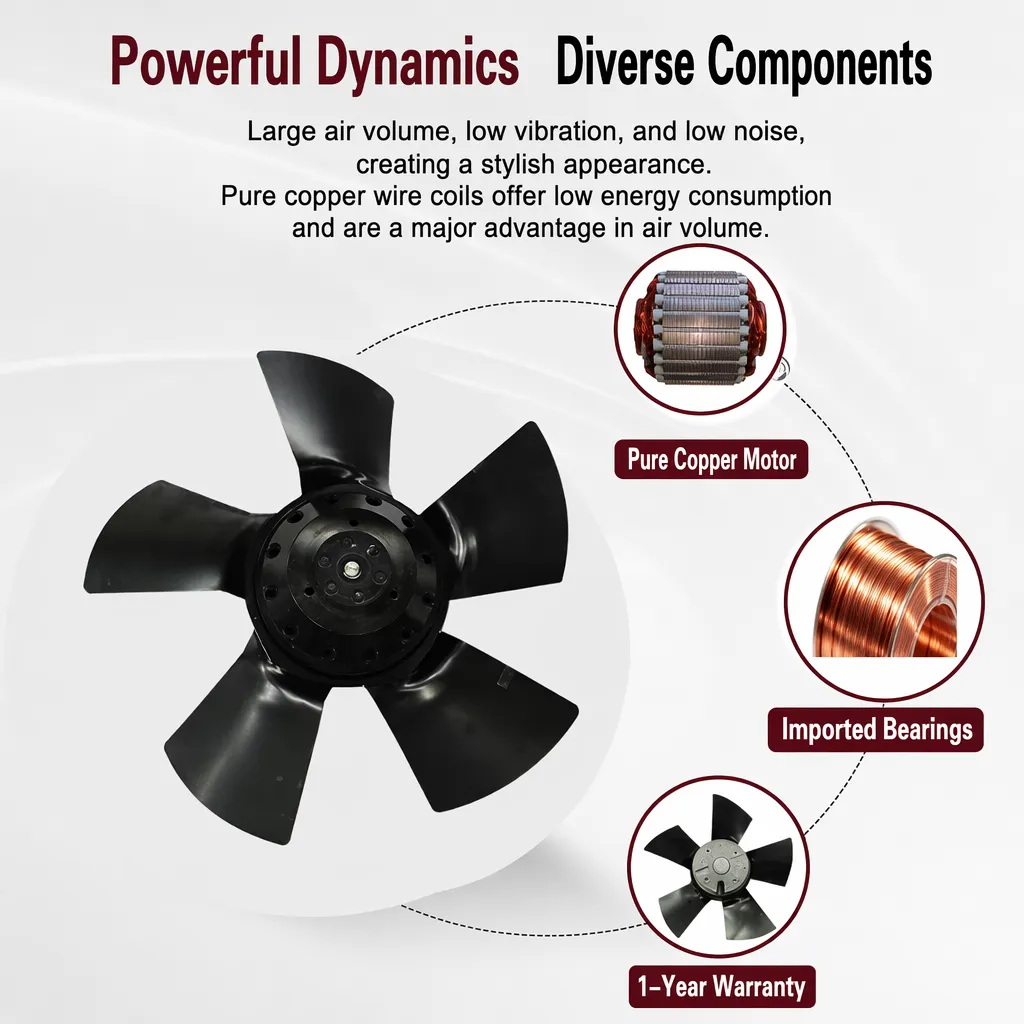
Learn antistatic treatment for industrial cabinet cooling fan in electronics workshops—ESD-safe housing, ionizable plastics, and cleanroom compatibility.
2026/10/04
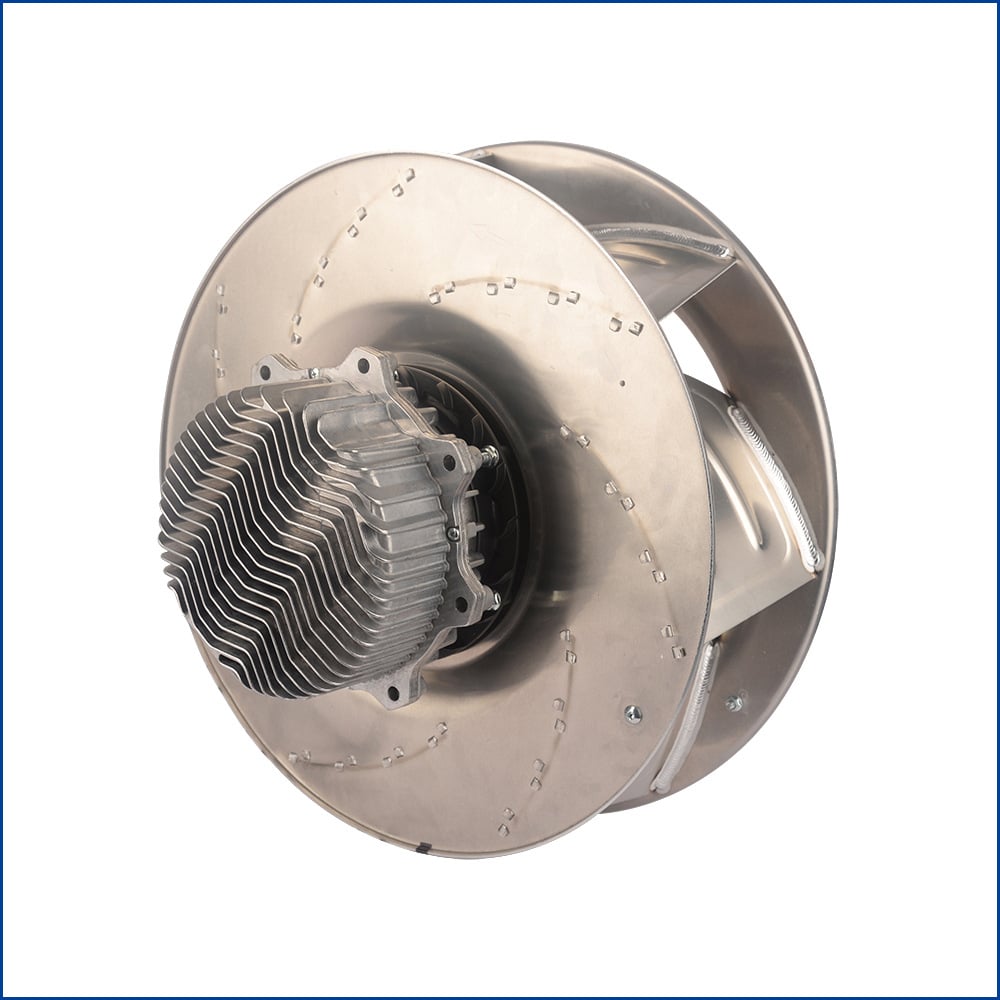
Discover how a brushless dc servo delivers precise wind speed control for laboratory cooling fans with closed-loop PID feedback and laminar airflow.